I mostly read ebooks; they’re easier to find, accessible, and cheaper, too.
It’s very difficult to find physical copies of books in Zimbabwe, particularly if you’re a bit fancy in what you read. In my teens, I used to scour libraries, secondhand book shops and book exchanges; but now I prefer ebooks, which I can take with me wherever I go (and I go a lot!). I’ve collected a fairly formidable library this way, and most of my books are stored on an SD card and/or backed up to an external hard drive; whatever I’m most interested in at the moment I send to my Kindle account (by email), so that I can access my books on various devices/apps, listed below.
Kindle
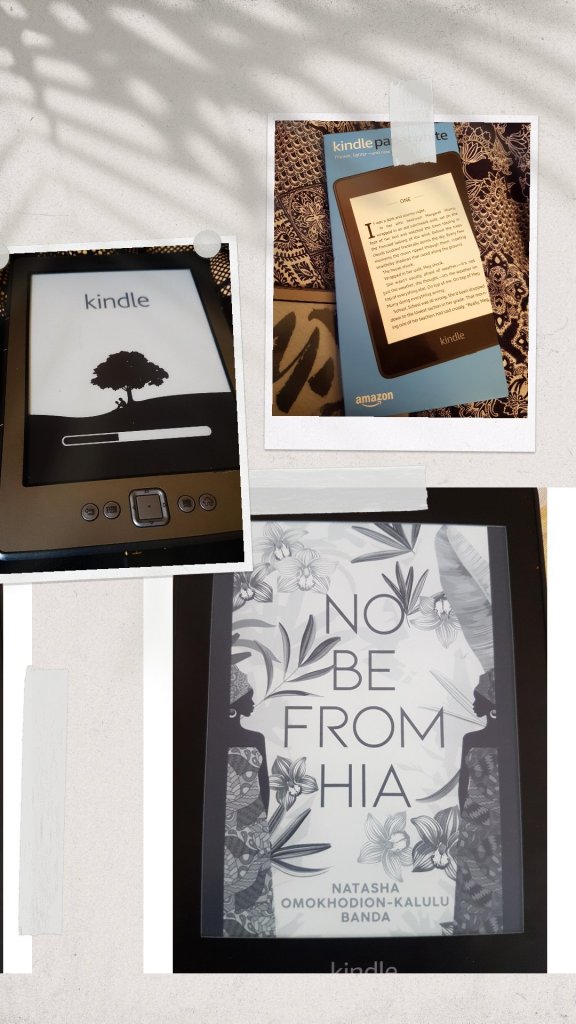
I was lucky enough to receive not one but two Kindles a couple of years ago, and they’re the gift I never knew I needed! I’m rarely without one at any point, day or night (one seems to spend more than a few nights somewhere amongst my pillows). There’s much to hate about Amazon, but much to love about this device. I usually use the newer one, because it has a backlight, which is super useful; but in some ways I prefer the navigation on the old one, which has physical buttons (as long as it’s only for turning pages; menus are something else).
The newer one, a Paperwhite, is also waterproof, although I haven’t tested it. I’ve just about filled up my Amazon cloud backup with books, so I delete them as I go, and that gives me space to send new ones as I get them. The storage on the Paperwhite is also pretty generous; battery power is pretty good. Highly recommend this for avid readers who are not completely against eBooks. My only quibble now is that I sometimes wish it had a colour screen. I do miss colour highlighting, and book covers, and stuff.
Moon+ Reader app (Android; free/paid)
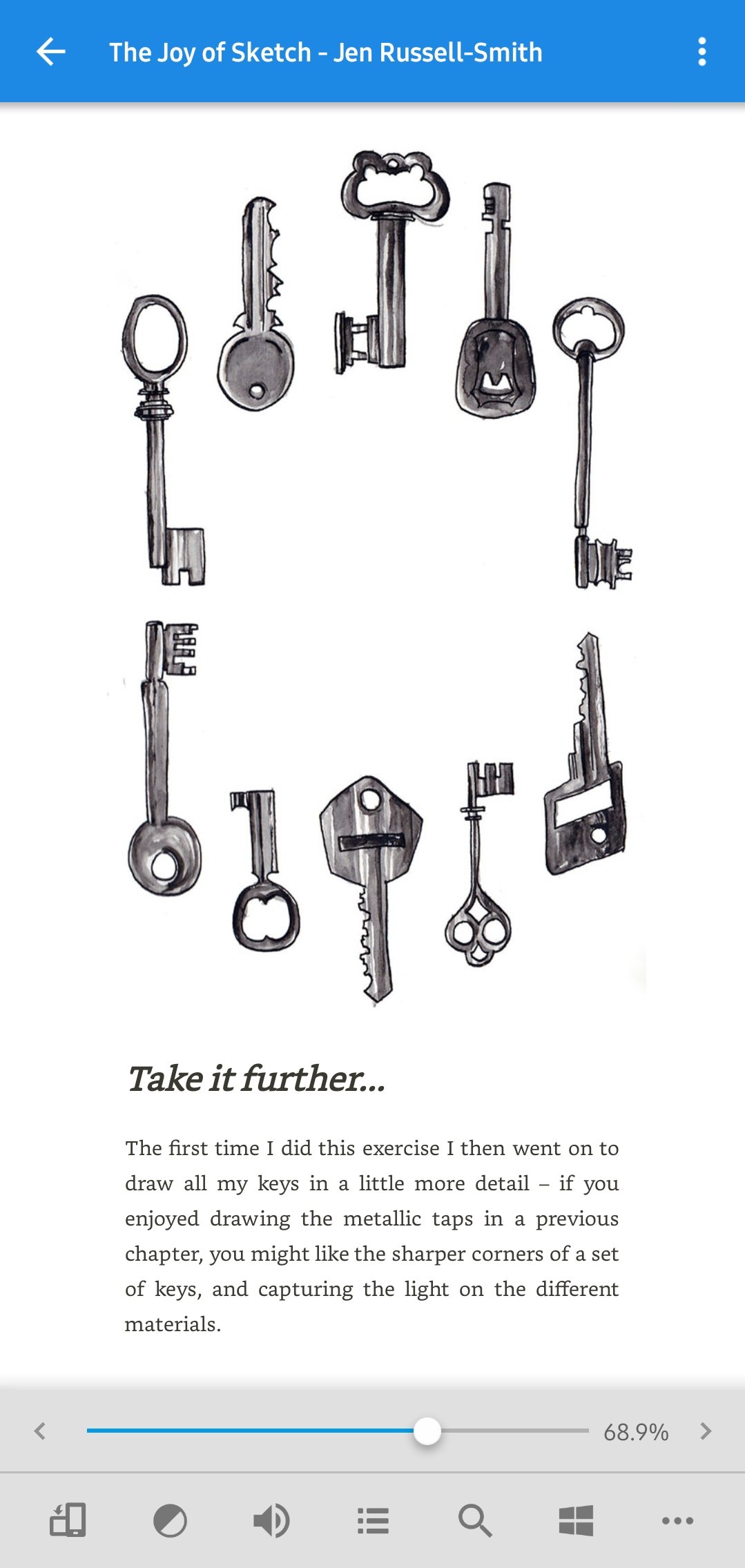
This is installed on my phones. I paid for it a few years ago to get rid of adverts, and, honestly, it’s the sturdiest, most bug-free app I’ve ever used. Highly recommend it (especially the paid version, if you’re as annoyed by ads as I am). It can handle most ebooks without DRM, including pdfs (although these are really never fun to read on a small screen).
Kindle app (Android; free)
Kindle remains a pretty basic and occasionally frustrating app, but it allows me to access my books on my phone(s), from Amazon’s cloud. The main reason I have the app is for syncing notes (the screenshots you often see on this blog) from books I’m reading, as well as the ability to move seamlessly between my Kindle and phone whenever I need to (as it keeps tabs on where I am in a book). It’s also great for searching for and buying books from the store, when I do, which isn’t terribly often but yes, it does happen.
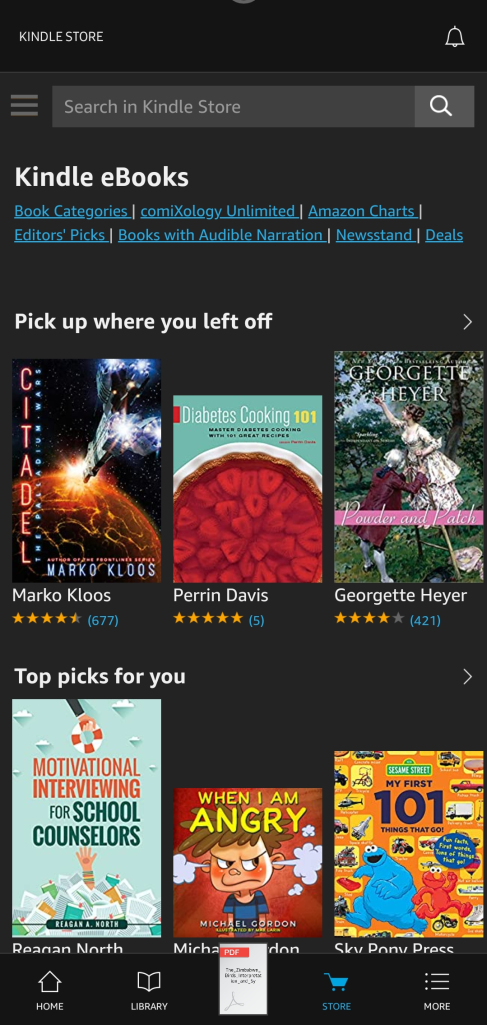
Again, not great for pdfs, but I don’t generally read pdfs on my phone, only on Kindle.
I don’t have anything larger devices (I’m PC-free!), so have no recommendations for those. I find larger devices pretty unwieldy for my purposes, and a Kindle is large and handy enough.
 Harare Review of Books
Leave a comment